


If a client uploads a certificate photo and says the text is already in the image, whose problem is it when a screen reader cannot read it?
Conclusion first: alt text for information images such as product photos, certificate images, and specification charts should not be left empty; purely decorative images and background images are better left explicitly blank. alt is the explanatory text that stands in for an image when it cannot be seen, not a notes field for stuffing keywords for search engines. Based on common 2026 project delivery experience, the test is not whether the field has been filled in, but what role the image plays on the page: information images should state what is shown, functional images should state what happens when clicked, and decorative images should be left blank so screen readers skip them. What often really needs fixing is not a single empty field, but the lack of any role distinction or guidance for alt in the backend, leaving operators to write by feel when uploading images.
1. Mixing up alt, title, filename, and caption leads to wrong entries
alt is the alternative text in the image tag. Browsers show it when the image fails to load, screen readers read it, and image search and some AI excerpts may use it as a caption. It answers what the image says, not what the image is called. Understanding this is the starting point for deciding whether to fill it in and how far to go.
Confusion usually appears in three places: writing alt as a filename, such as a string of letters and numbers; treating alt as title and expecting a tooltip on hover; treating alt as a keyword warehouse and piling in a string of product names plus city names. The three have different positions and purposes. If the backend gives operators only one input box at delivery, they will basically write it as a notes field.
- alt: alternative text for the image; when the image fails, when a screen reader reads it, and in image search, this is the reference. One sentence per image, describing content.
- title: hover tooltip; basically invisible on mobile, can be left empty, and is not suitable for carrying key information.
- Filename: set at upload time; changing it to meaningful English with hyphens helps, but it is not visible to page visitors.
- Caption: visible text in the page body, suitable for noting shooting context or source; it is not the same thing as alt.
2. Certificate images, product images, functional images, and decorative images: set rules by role
Classifying by role is more practical than classifying by page. The same image is atmosphere on the homepage and information on a product page, so the wording is different by nature. The purpose of role-based rules is to let operators judge at a glance when uploading an image whether it needs text and how detailed the text should be, without asking technical staff every time.
- Information images: product photos, qualification certificates, workshop photos, team photos, specification charts. These should generally be required. A common format is object + key feature + context, kept to 15 to 40 characters. For certificate images, state the certificate name, issuing body, and key conclusion; do not just write certificate image. The pass standard is: cover the image, read only this sentence, and a visitor still knows what is shown here.
- Functional images: search magnifier, close button, payment mark, QR code. Write the action or destination, not the appearance, for example Click to enlarge product detail image or Scan to add enterprise WeChat; commonly 4 to 12 characters. Writing button or icon is tautology and amounts to no text.
- Decorative images: dividers, background textures, purely atmospheric large images. Leave alt blank so screen readers skip them. If you force a sentence onto these images, screen readers will read the whole page in a fragmented way.
- Brand logo: usually just the brand name; there is no need to cram in the full company name, city, and main products. The reasonable place for a brand name in alt is commonly only the logo image.
A common misconception is to paste the company name plus city name into the alt of every image, thinking it will carry more keywords. Based on 2026 delivery experience, this has limited benefit for image search and makes the screen-reader experience worse. alt is first an explanation and second searchable text; the order cannot be reversed.
3. What backend setup avoids placeholder entries such as product image 1
At delivery sites, a common constraint looks like this: the client has a tight budget and timeline, one operator uploads all assets, the backend has only one image field, and no one has specified what should go in it. In one type of project, product pages had many images and certificate images were concentrated. At first, alt was made mandatory sitewide. To get around validation, the operator filled in large numbers of product image 1 and banner 2. Checks showed values everywhere, but in practice it was the same as writing nothing. Later, the fields were split, guidance text was added, only information images were made required, decorative images got an explicit blank option, and a sample of twenty images covering homepage hero images, product detail main images, and certificates was checked. The rework scope narrowed from an expected sitewide review to a few sections, commonly saving 30 to 50 percent of checking time (experience range). The cost is a few extra seconds per upload for the operator; the benefit is not having to review the whole site months later when adding images or redesigning.
- Split the fields: separate input boxes for alt and title; leave title empty by default so operators do not casually copy it.
- Guidance text: put it below the input box with one good example and one bad example; this is more effective than writing rules only in a document.
- Default prefill: when a product image is uploaded, automatically fill in product name plus model, so the operator only adds context words and faces less resistance starting from zero.
- Blank option: allow decorative images to be explicitly left blank, and explain in the backend that blank is not missing, otherwise operators will force text because they worry about checks.
- Post-launch sampling: check twenty images covering homepage hero images, product detail main images, and certificates; this locates problems faster than checking every image sitewide.
4. Backfill the whole site or only new images? Three levels of effort and cost comparison
It is common for several hundred images already online to have no alt text. At this point, do not simply call for sitewide backfilling. First split the scope into three levels, then choose according to staffing and redesign pace. The figures below are experience ranges; specifics depend on total image count, whether the backend supports bulk editing, and operator familiarity.
- Option one: backfill every image sitewide. Suitable for sites with large image volume, government/enterprise or foreign-supplier audits, or multilingual sites. The workload is commonly hundreds of images reviewed one by one, with a typical cycle of about one to three weeks (experience range). The cost is consuming a large amount of operator time and making it easy to write generic phrases under deadline pressure.
- Option two: first fill the three key categories. Homepage hero images, product detail main images, and qualification certificates usually account for 20 to 30 percent of the total, and commonly can be completed in three to five working days (experience range). Suitable for most corporate websites: fill the positions that will be caught by audits and search first, and add the rest incidentally when new images go up or during redesigns.
- Option three: set standards only for new images. This adds almost no delivery time and suits small display sites or sites with modest image volume. The cost is that historical images remain blank and image search performance will not change noticeably, but at least no new gaps are created.
Based on common 2026 project delivery experience, the combination of option two plus option three is more reliable: fill key images first, write new images by role, and do not redo historical images all at once without budget. If the client really needs to pass accessibility or supplier audits, then narrow option one to the sections that will be sampled, rather than spreading it across the whole site.
5. Where it applies and where it does not
The cases that deserve serious work are fairly clear: many product models, large image volume, foreign trade or multilingual sites, visitors who include government/enterprise or foreign-company auditors, or sites already working on image search traffic. On these sites, alt is basic work, not a bonus. Multilingual sites should also make alt follow the page language: English pages use English alt, and terminology stays consistent with product pages.
Cases that do not need to be treated as a major issue: small display sites with ten pages or fewer, images that are mostly atmospheric images and icons, no overseas visitors, and no supplier audits. For these, alt only needs information images get one sentence and decorative images stay blank; there is no need to create a separate field for every image or backfill every historical image. On such sites, spending the same time on body copy and product specifications usually brings more direct returns.
- Suitable: product libraries with dozens of items or more, image search intent, accessibility or supplier audits, multilingual sites.
- No need to force it: pure display sites, mostly decorative images, no foreign trade or audit scenarios.
- Compromise: set standards only for new images, add historical images as redesigns happen, and do not do a one-time sitewide backfill.
Frequently asked questions
If the text in a certificate image is photographed clearly, do we still have to write alt?
Yes, it is recommended. Screen readers cannot read the text inside the image, and image search cannot capture it either. In alt, write the certificate name, issuing body, and key conclusion, within forty characters, without keyword stuffing.
If product image alt stuffs in model, city, and manufacturer, can it bring more search traffic?
Usually not. Keyword stuffing has limited benefit for image search and makes screen-reader output worse. Write object plus key feature plus context; the brand name generally belongs only on the logo image.
Is leaving decorative image alt blank the same as not writing alt at all?
No. Blank explicitly tells screen readers they can skip it; if it is completely absent, some environments may read out the filename. The backend should preferably provide an explicit blank option.
Several hundred images are already online without alt. Do we need to backfill all of them?
Based on experience ranges, first fill homepage hero images, product detail main images, and certificates; these commonly account for 20 to 30 percent of the total. Add the rest incidentally when new images go up or during redesigns; there is no need to redo the whole site at once.
Can an English site reuse Chinese alt text directly?
Not recommended. alt should follow the page language: English pages use English alt, and terminology should stay consistent with product pages; otherwise screen-reader reading and image search will not match.
If the site is about to be redesigned or move to a new backend, write the alt approach directly into the image upload field guidance and the launch checklist: information images required, functional images describe action, decorative images explicitly blank. For sites already online, sample twenty images to see the current state first, then decide the backfill scope. This approach suits sites with large image volume, audit needs, or multilingual requirements. Pure display sites can follow the basic standard; there is no need to formalize for the sake of formalization.
-
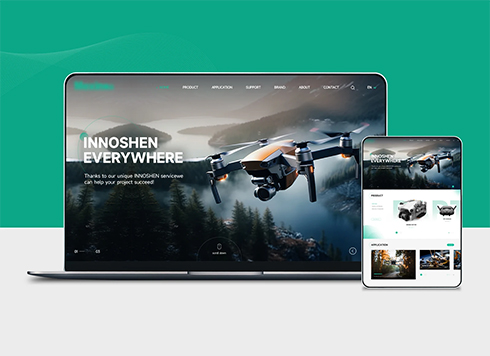 Drone Accessories Company Website Development
Incorporating gray as an accent with the pr ...
-
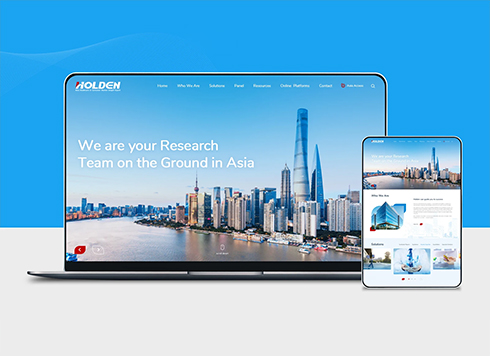 Professional International Research Service Agency Website Construction
This project serves a company with internat ...
-
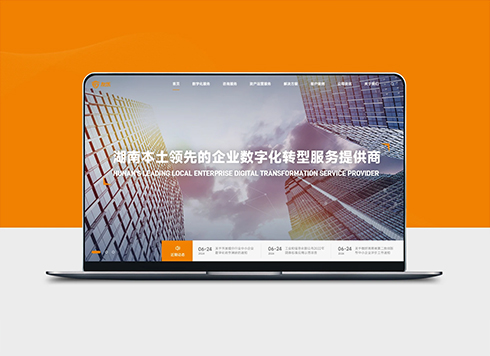 The Construction of Group Websites for Asset Operation and Digital Services
This project is to create a website for a c ...
-
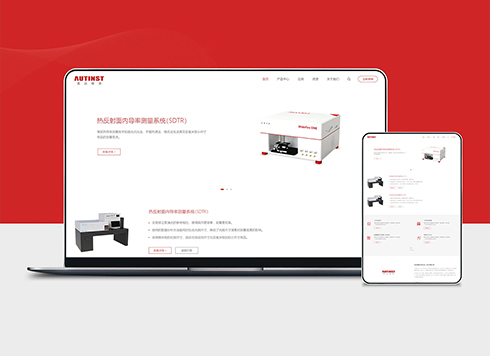 Thermal Test Equipment Website Construction
Founded in 2022, this tech company focuses ...
-
The client deleted a departing colleague's backend account, but their phone number can still reset the password—is that really cleaned up?
Date: Nov 14, 2026 Read: 14
-
A client says competitors’ websites let visitors pan around their workshops. Our workshop is still in production and cannot be cleared out—should we still shoot the panorama?
Date: Nov 13, 2026 Read: 18
-
English site left on machine translation, but sales cannot match product names in overseas inquiries—fix translations first or backend first?
Date: Nov 12, 2026 Read: 22
-
A product page shared to a client group shows the homepage image and title on the card—is that a mismatch?
Date: Nov 11, 2026 Read: 33
-
A client sends screenshots of a dozen English spam messages a day on the website inquiry form: should sales add a CAPTCHA now, or will overseas visitors abandon the form halfway—which comes first?
Date: Nov 10, 2026 Read: 40